
Few will argue that working with files through a browser window is one of the must-have things for any modern office web app. At times when many of us prefer to work remotely, the ability to work through the web becomes vital for any business entity. Some have already decentralized their corporate structure but must preserve strong digital ties between their institutions.
Interestingly, 90% of all business processes handled through the web start with basic data management functions. Such systems handle all actions, like uploading a tax report, opening a PDF, attaching an order list, or pasting an image into your blog.
How to Access Local Files from the Browser App
For undeniable security reasons, the browser is forbidden to work with the file system or touch any data without permission. No one wants a hacker to access his computer through the most exposed and easily accessible part of the system—the Internet browser.
That is why the system shows you a window like this:
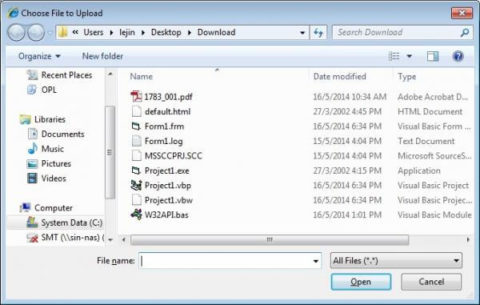

Web browsers cannot access the OS's file system without direct user permission. Consequently, web apps that use browser-side JavaScript (JS) do not have permission to write to the client SSD without disabling many security options.
Fortunately, several methods exist to simplify access without annoying users with constant “Browse” buttons and windows.
The simple one is to add the JS event handler “drop” to some DOM element on your web page and a JavaScript sample for the download file. The files acquired using JS can be later processed on the client side. For example, you can use XLS libraries to parse xls and xlsx spreadsheets in your browser.
Use JavaScript Blob object function if you have a binary data like images, videos, or audio files.
This is a short, techie answer to the question of how to get file content in JavaScript. However, another modern method may be more suitable for your needs.
Drag and drop Function in Web Apps by HTML5 File API

The W3C published improved HTML5 in 2014. In addition to the new markup, HTML5 contained some of the best scripting APIs for using JS and connecting to existing DOM interfaces.
One such API, File, was created to handle uploads and manipulations (read file JavaScript). Although the File API is not an inherent part of HTML5, it can be added to the HTML5 DOM and allows users to select, read, and modify data with minimum effort.
Best Functions of File API:
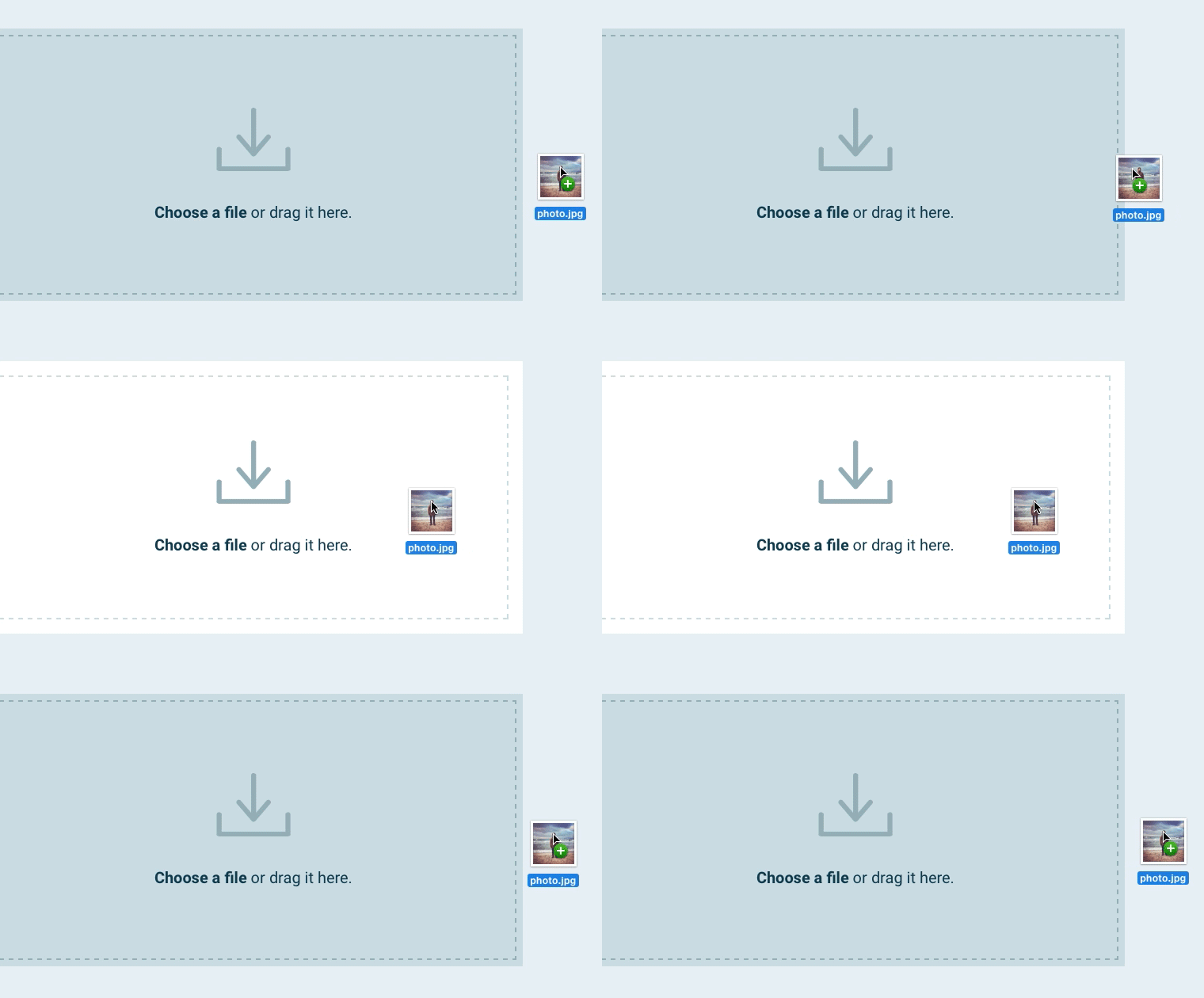
- Drag and drop with no “Browse” button
- Multiple file selection is a great UX enhancement.
- Show thumbnails of user-selected images instead of empty icons.
- Display all information to the browser: size, date, id, name, type, etc.
- Asynchronously handling the upload process improves the performance of the web application.
- The upload tasks feature is very handy if you can download multiple images into your blog CMS simultaneously.
Develop Real-Life Applications of File System API
Working with Files Offline
In the past, if you wanted to save a file on a user's hard drive, the OS had to make JavaScript generate a file to download. This means you had to send the file to the server, render it on that side, and then send it back to the user as an attachment (Content-disposition: attachment). This scenario isn't acceptable if you want your web application to work with files offline.
Fortunately, the File and Directory Entries API helps your web application navigate the local storage system and store content on the client side without constantly being online. Technically, this API simulates a virtual file system that your web application can navigate and display to users as real storage.
But, in the end, who cares? Your app works well with information, stores it in the cache, and processes large chunks on the client side—all this is performed offline!
File and Directory Entries API Use Cases:
- Audio/Photo Editing—The software can download media for later use or edit them from the cache using its computing capabilities instead of on the server side.
- Working with massive files: Clients can work with a specific chunk of information without downloading the whole file.
- Offline email client – Let users store (cache) attachments locally and upload them on demand.
- Error-proof uploader: In case of browser error or unexpected computer shutdown, your software will resume file downloads from where they were interrupted.
Working with Spreadsheets
Let's take CSV files for a start. Those files are just Comma Separated Values: bla1, bla2, bla3. Say you're working with a price list in CSV with three columns inside: item name, amount, and price.
Unfortunately, one of your manufacturers sends you a price list file with the same type of data but with the wrongly ordered column: amount, price, and name. You will have problems merging these CSV files because of the difference in column order.
Fortunately, you can solve such problems by adding file management to your web app. File API allows users to preview CSV files (or files of any other format) before uploading them to the server. This allows users to change the column order to the required one in advance.
Slicing
If you have a media portal with a large amount of user-generated content or very specific requirements regarding the data users can upload, slicing might save you a lot of disc space.
Just give your employees strict instructions and a slicing tool that allows them to cut their files (e.g., passport photos) right in the browser. This will save you a lot of disk space and, more importantly, a lot of time ordering raw data users provide.
Consider integrating this feature if you're working with big data and data mining techs.
Proofreading
If you're in the publishing business, you may love a web app with a preview feature. This feature allows your writers to review and apply styles in the text editor BEFORE uploading the text to the CMS system.
The same functionality applies to any industry where small human errors occur frequently. There is a golden rule for this: the more routine tasks your employees perform, the more important it is to allow them to double-check their results.
Web App Performance Improvement
We can greatly improve your web app's performance using the File and Directory Entries API. First, it will reduce latencies by eliminating unnecessary client-server data transfers and requests. All the work will be done on the client side and sent to the server only occasionally.
Secondly, we can let your web application prefetch data in the background and cache it locally. Or we can let users work with a portion of data while silently loading an additional file segment in the background.
Onboarding Old-School Clients

Some businesses have a hard time staying in touch with tech. Moreover, if you're working with governmental institutions, you can't force them to change how they do things. Sadly, some people find it even harder to adopt new skills than big institutions where they work. That is where you'll need to adapt your app to the client's habits.
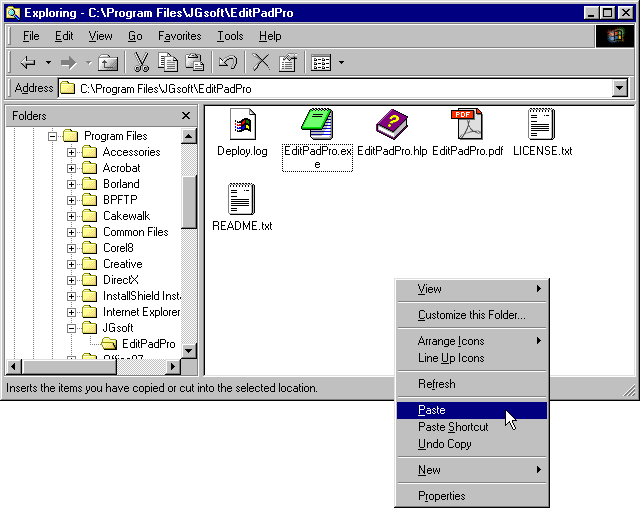
One such old-school habit is working with the traditional Windows file management system. This sandbox UI is still widely popular among office workers, secretaries, and top-grade corporate specialists, so making your web application familiar to them may be your goal #1.
Indeed, how would you expect clients to use your web tool if they spent 10 minutes just downloading and locating their files in the system? With a little effort, we can give your super-modern web application a slightly different look, which can greatly facilitate the transition period for your clients.
Bottom Line
If you're going into the development of an office web application, keep in mind those three API names: File API, File and Directory Entries API, and File Write (which allows writing to files from web applications). Those APIs may seem unremarkable compared to future-tech algorithms, but trust me – making essentials right puts your app halfway to success.