
Over the years, traditional learning has proven to be the most optimal way to teach students general knowledge. However, it doesn’t accommodate everyone. The “one-size-fits-all” model doesn’t account for the diverse needs of students, especially those with disabilities.
Since the traditional learning model relies on reading, writing, and listening as the main methods of engagement, students with disabilities can quickly fall behind. The system wasn’t built for them, which makes learning more difficult and can also lead to frustration, lower confidence, and reduced academic performance.
On the other hand, special education can help them succeed via multiple assistive technologies (AT). It bridges the gaps in traditional education and provides support for students.
What is assistive technology?
Assistive technology refers to any device, tool, or software that helps people with disabilities perform tasks more easily. In special education, AT provides students with the support they need to access learning materials, express their ideas, and engage in the classroom.
AT can be as simple as a pencil grip that makes writing easier or as advanced as speech-to-text software that helps students turn spoken words into written text. The key is matching the right tool to the student’s needs so they can learn and participate more effectively. In their research paper, UNICEF highlighted: “Teachers and education staff are constantly involved in finding and implementing AT in learning to support students with disabilities. They are also involved in developing students’ own digital and AT skills.” As awareness and demand for AT grows, some tools see more use than others. For example, the research by Dr.Fernandez-Batanero found that students prefer using AT tools via social networks and browsers (28.57%), with mobile learning (25%) being a close second. The use of hardware or software (21.43%) holds the third place in popularity. These findings highlight a key trend: accessibility and ease of use play a major role in the adoption of assistive technology. See also: Universal design for learning and its benefitsThree types of assistive technology
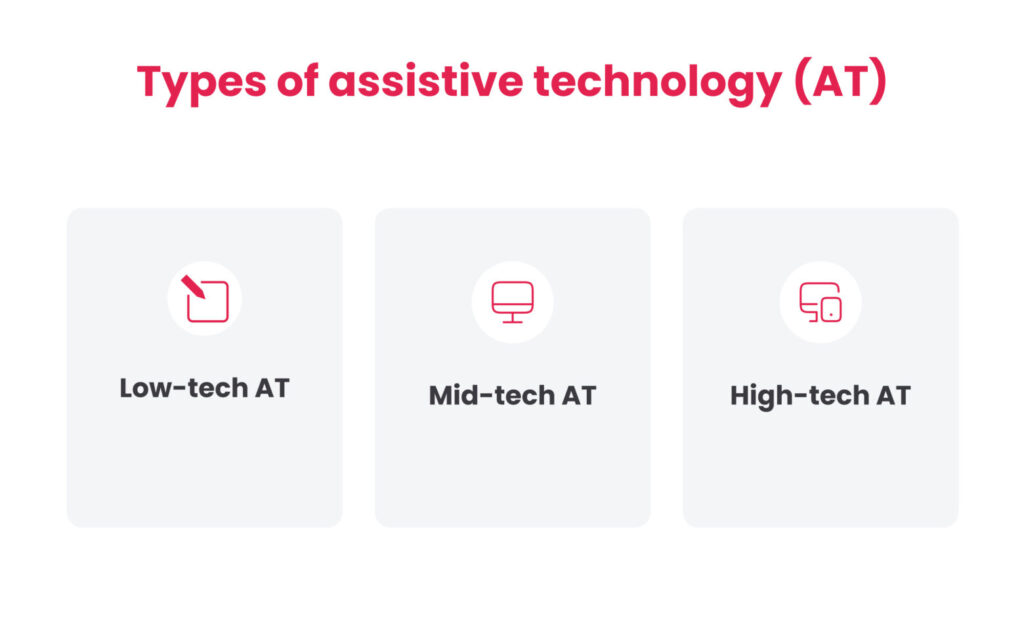
Assistive technology is generally divided into three categories based on its level of complexity.

Low-tech assistive technology
These are simple, often inexpensive tools that don’t require batteries or electronic components. They are simple tools that help with physical, cognitive, or sensory challenges. For example, pencil grips can improve motor performance, and slant boards can make writing more comfortable.
Low-tech AT provides simple solutions to common learning challenges. It requires minimal training and helps students develop fine motor skills.
Mid-tech assistive technology
These tools require batteries or electricity to function, but they are still relatively simple to use. Compared to low-tech AT, they provide more functionality but don’t involve in-depth programming.
Mid-tech AT includes audiobooks, spell-checking tools, and FM systems. These tools provide more interactive support, reduce frustration over basic academic skills, and make learning more engaging through audio and visual elements.
High-tech assistive technology
Compared to other AT tools, these often use AI, voice recognition software, or other advanced assistive methods. They are designed to adapt to students' needs and provide a better learning experience.
High-tech AT includes speech-to-text software (STT), screen readers, eye-tracking technology, and smart tablets. Advanced technologies, such as AI, help students with complex learning or physical disabilities and encourage independence.
See also: How to implement the flipped classroom method and reap its benefits
How assistive technology impacts special education
The main purpose of assistive technology is to make learning easier, but it doesn’t end there. It improves students’ ability to communicate and makes it easier to gain independence. When students have access to the right tools, they gain greater confidence in their abilities in school.
One such student, Jane Velkovski, has talked about how assistive technology changes lives.
https://youtu.be/ItGGGN4jeYE?si=AeAV1aZWzboWt4Um
Improves reading and writing skills
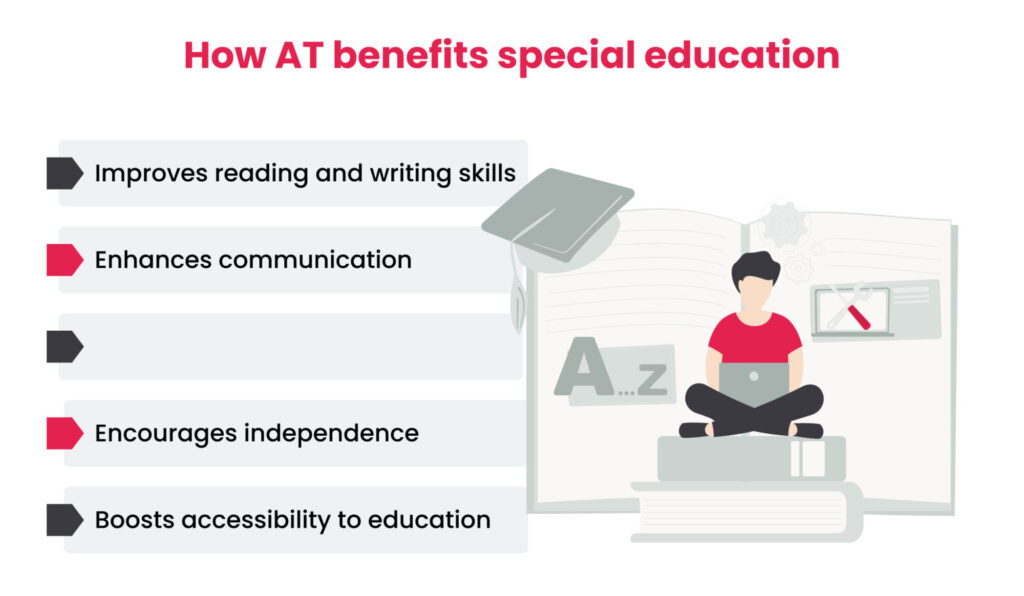
For students with special needs, mundane tasks like writing or reading might feel frustrating. Assistive technology presents alternative ways to engage with such tasks.
For example, text-to-speech (TTS) tools allow students to hear written text, allowing them to keep pace with other students instead of falling behind. By the same principle, STT tools help students with hearing or handwriting.
Access to such tools helps students focus on learning and expressing their thoughts, which reflects better academic performance and confidence.
Enhances communication
Another big challenge students with special needs might face is expressing their thoughts. Assistive technology helps with this challenge by presenting alternative ways to communicate.
For example, augmentative and alternative communication (AAC) devices help students form sentences and respond to questions. These tools empower students to participate in discussions and interact with peers and teachers.
Communication is one of the most essential skills humans have. Using AT helps students express their thoughts or opinions and engage in the learning process without obstacles.
Helps students stay focused
Time management and focus are crucial for academic success. AT tools, such as digital planners or task management apps, can help them stay on track and manage their workload.
They break down assignments into small steps, add reminders for deadlines, and keep track of progress. As a result, this helps reduce anxiety and develops organisational skills.
Encourages independence
It is clear without saying that the goal of education is to help students become independent learners. Assistive technology plays a key role in this process by providing tools that allow students to complete tasks independently rather than relying on constant support from teachers.
For example, screen readers enable students with visual impairments to navigate digital content independently. They can read textbooks, complete assignments, and research topics without assistance.
The more independent students become, the more confident they feel. With the right assistive technology, they can take charge of their education, build self-sufficiency, and prepare for future academic and career opportunities.
Boosts accessibility to education
Despite its best efforts, traditional education is not accessible to everyone. On the other hand, assistive technology ensures that students with disabilities can access the same curriculum as their peers, creating a more inclusive learning environment.
Incorporating assistive technologies creates a more equitable education system. In it, students aren’t held back by their disabilities but are instead given the tools they need to thrive.
See also: Connecting learners: narrowing the educational divide
Final words
Education should be available to everyone, and one way to ensure that — assistive technologies. Whether it’s a simple tool or an advanced software program, the right AT can empower students to overcome challenges and improve their education.
The key is understanding each student’s needs and finding the proper support to help them succeed.
FAQ
What are the three types of assistive technology?Assistive technology (AT) falls into three main categories:
- Low-tech: Simple, inexpensive tools like pencil grips, large-print books, or color-coded keyboards.
- Mid-tech: Devices that require some power but are relatively simple, such as audiobooks, voice amplifiers, or screen magnifiers.
- High-tech: More advanced tools like speech-to-text software, eye-tracking devices, or smart home automation for accessibility.
For those with learning disabilities, AT acts as a bridge between challenges and effective learning. It can assist with reading, writing, organisation, and communication. For example:
- Text-to-speech (TTS) software helps students with dyslexia by reading text aloud.
- Speech-to-text (STT) tools allow individuals with writing difficulties to dictate instead of typing.
- Graphic organisers support those who struggle with structuring thoughts and ideas.
The goal is to provide the proper support to make learning more accessible—not to replace traditional learning methods but to enhance them.
Get in touch to learn more about assistive technologies and their development.
What is the most commonly used assistive technology?It depends on the need, but screen readers are one of the most widely used assistive technologies.
These programs convert text into spoken words, making digital content accessible to individuals who are blind or have low vision. Other widely used tools include text-to-speech software, hearing aids, and adaptive keyboards.
What technology helps people with disabilities?Various technologies help students with disabilities succeed in the classroom, including:
- Reading support tools like screen readers and text-to-speech apps
- Writing aids such as dictation software and smart pens
- Math assistance through digital calculators and step-by-step problem-solving apps
- Classroom accommodations like FM systems for hearing impairments and alternative input devices for mobility challenges
The right tools depend on each student’s specific needs, helping them engage with learning in the best way for them.
Contact us to learn more about how you can develop assistive technology tools.